
Why Organizing Receipts Matters
Organizing receipts is a foundational component of sound financial management. Whether you’re a business owner, freelancer, or managing a household, accurately tracking expenses helps with budgeting, analyzing spending habits, and supporting tax reporting requirements. Eyeing future audits or claims, missing receipts can result in lost deductions or even compliance penalties.
Investing in receipt software for small business can save countless hours spent searching through piles of paper or unorganized folders. These tools make it easier to find and present receipts when needed, ensuring you’re always prepared for tax season or financial reviews.
Step 1: Digitize Your Receipts
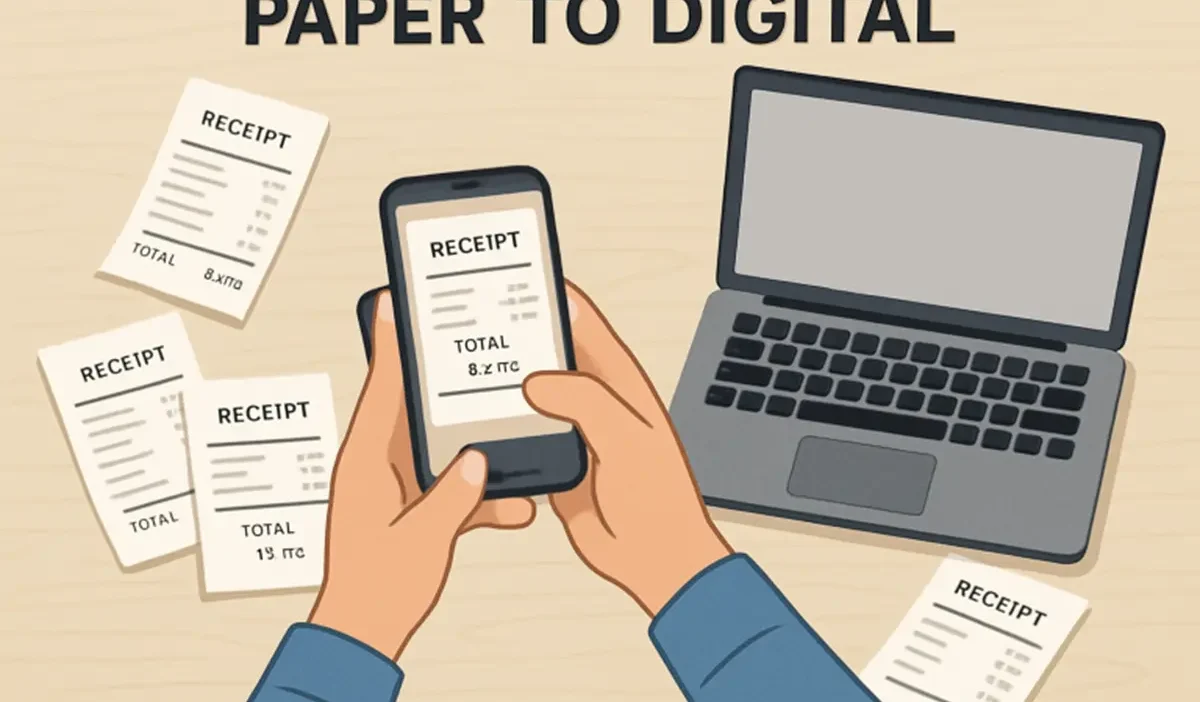
The move towards digitization simplifies the entire process of storing and retrieving receipts. Receipt scanning apps enable users to instantly snap and upload images, converting paper clutter into organized, searchable files. This method not only reduces the risk of losing vital documentation but also ensures that records are easily accessible via multiple devices. When making digital copies, ensure that you capture clear images that include the date, amount, and vendor information, all of which are necessary for accurate records.
Beyond convenience, digitization is environmentally friendly and lays the groundwork for automated expense tracking, which is especially essential for busy small business owners who need quick access for audits or financial reporting. According to the IRS, electronic records are just as valid as paper copies for tax purposes, as long as they are accurate and accessible.
Step 2: Categorize Your Expenses
Effective expense tracking begins with logical categorization. Take the time to sort receipts into groups such as office supplies, meals, business travel, client entertainment, or recurring monthly expenses. This approach ensures that generating expense reports and identifying deductible costs is quick and uncomplicated. Businesses benefit from consistent categorization, which simplifies tax preparation and internal budget reviews.
For households, categorizing personal receipts—for example, groceries, utilities, healthcare, and entertainment—can help reveal spending trends and pinpoint areas where costs can be cut. Periodically update your categories to reflect changes in spending habits or evolving business needs.
Step 3: Implement a Consistent Naming Convention
Establishing a clear naming convention for digital receipt files saves a significant amount of time during future searches. Consider a standardized format that includes the transaction date, vendor, and expense type, such as “2025-12-11_OfficeDepot_OfficeSupplies.pdf.” This level of detail enables anyone with access to quickly locate receipts and verify expenses, which is especially useful when preparing for tax filings or financial audits. A robust naming standard eliminates confusion—even when reviewing receipts months or years later.
Step 4: Utilize Cloud Storage
Storing digital receipts in a secure cloud service offers multiple advantages, including instant multi-device access, enhanced security through encryption, and protection from hardware loss or damage. Select a reputable cloud platform that offers automated backups, version history, and file-sharing capabilities to ensure your receipts remain safe and accessible. As reported by CNET’s Cloud Storage Review, the best services strike a balance between ease of use and robust security features, making them an ideal choice for both businesses and individuals.
Step 5: Regularly Review and Reconcile Receipts
To avoid forgotten or missed expenses, establish a routine, such as a monthly financial check-in, to compare receipt records against bank and credit card statements. Early identification of discrepancies helps prevent issues from snowballing into costly errors or losses. This step is crucial for maintaining accurate records and staying compliant with tax regulations. Setting a recurring calendar reminder can automate this important habit.
Step 6: Maintain Physical Copies When Necessary
Despite the trend toward a paperless office, some receipts should still be kept in physical form. Receipts for high-ticket purchases, warranty claims, or legal documentation may be required in their original format. Store these important papers in clearly labeled folders or envelopes, organized by year or category, and place them in a secure, easily accessible location. Periodic decluttering ensures that only relevant items occupy physical space.
Step 7: Leverage Automation Tools
Automation tools can dramatically increase efficiency. Many financial software platforms now offer features to automatically capture, sort, and categorize receipts using artificial intelligence. By integrating these tools with your banking and accounting platforms, you reduce manual data entry errors and save time. Features such as automatic reminders for missing receipts or smart categorization further enhance your workflow efficiency, allowing you to focus on higher-value tasks.
Final Thoughts
Maintaining a proactive approach to organizing receipts pays dividends in terms of financial accuracy, stress reduction, and increased compliance confidence. By leveraging technology to digitize and categorize, adopting consistent naming conventions, backing up data in the cloud, and regularly monitoring, you streamline your record-keeping—and ensure vital documentation is always readily available. These best practices empower you to take control of your financial documentation like a pro, making tax time and financial audits significantly less daunting.